 CodeBrisk
Order approvals waiting in someone's inbox, invoices retyped into accounting, onboarding steps tracked in a spreadsheet, reports someone remembers to send every Monday. If your business already runs on a Laravel app, most of that work can be automated inside it.
The short answer: Laravel workflow automation means matching each process to the right built-in tool. Use queued jobs for single background tasks, job chains and batches for multi-step or parallel work, the scheduler for anything time-based, events and listeners to react to changes, a state machine for status flows like draft → approved → paid, and a durable workflow engine such as Durable Workflow when a process runs for days, waits for people and must survive restarts. Add retries, idempotency and an audit trail to all of them.
What business workflows can you automate in Laravel?
Almost any process that follows rules and moves data between people and systems:
- Approvals: purchase orders, refunds, discounts, expense claims, content sign-off.
- Order-to-cash: order → fulfilment → invoice → payment reminder → accounting sync.
- Onboarding: account setup, document collection, welcome emails, tasks for your team.
- Document processing: read invoices, receipts or forms, extract the data, route exceptions to a person.
- Scheduled work: daily reports, weekly statements, data clean-up, renewals.
- Integrations: push records to accounting, CRM or shipping systems and pull status back.
The deciding questions are always the same: how long does the process take, does it wait for a person, how bad is it if a step runs twice, and who needs to see where each case is stuck?
Which Laravel tool fits which workflow?
| Process shape | Tool | Example |
|---|---|---|
| One slow task after a user action | Queued job | Generate a PDF, call an external API |
| Steps that must run in order | Job chain (Bus::chain) |
Extract data → sync to accounting → email the customer |
| Many independent pieces, one result | Job batch (Bus::batch) |
Import 5,000 rows, then notify when all finish |
| Runs on a timetable | Task scheduler | Weekly statements, nightly clean-up |
| "When X happens, also do Y" | Events and listeners | Order paid → update stock, notify warehouse |
| A record moves through statuses | State machine | Draft → submitted → approved → paid |
| Runs for hours or days, waits for people or timers | Durable workflow | Approval with reminders and escalation |
Most apps need several of these. Don't build a days-long, human-paced process out of plain jobs and status flags.
How do queues and jobs automate background work?
Laravel queues run work outside the web request: the user gets a fast response, and a worker process does the slow part. Each job is a class with a handle() method. Laravel 13 lets you configure retries with attributes, so the rules sit right on the class:
use App\Models\Invoice;
use App\Services\AccountingClient;
use Illuminate\Contracts\Queue\ShouldQueue;
use Illuminate\Foundation\Queue\Queueable;
use Illuminate\Queue\Attributes\Backoff;
use Illuminate\Queue\Attributes\Tries;

#[Tries(5)]
#[Backoff(10, 60, 300)]
class SyncInvoiceToAccounting implements ShouldQueue
{
    use Queueable;

    public function __construct(public Invoice $invoice) {}

    public function handle(AccountingClient $accounting): void
    {
        if ($this->invoice->accounting_id) {
            return; // already synced, so a retry is harmless
        }

        $this->invoice->update([
            'accounting_id' => $accounting->createInvoice($this->invoice),
        ]);
    }
}
Three details matter for business processes:
- Retries with backoff. External services go down.
#[Tries(5)]with#[Backoff(10, 60, 300)]waits longer between attempts instead of hammering a failing API. - Idempotency. A job can run more than once (a retry after a timeout, a worker restart). The early return above makes the second run safe. For payments, use the provider's idempotency keys as well.
- No duplicates.
ShouldBeUniquestops the same job being queued twice, and theWithoutOverlappingmiddleware stops two jobs working on the same record at once.
Laravel 13 also adds Queue::route(), which sends a job class (or every class implementing an interface) to a specific connection and queue from a service provider. That keeps slow document jobs from delaying urgent notifications without touching each dispatch call.
When should you use job chains and batches?
Use a chain when steps must run in order and later steps depend on earlier ones. If a step fails, the rest of the chain does not run, and you can react in one place:
use Illuminate\Support\Facades\Bus;

Bus::chain([
    new ExtractInvoiceData($invoice),
    new SyncInvoiceToAccounting($invoice),
    new EmailInvoiceToCustomer($invoice),
])->catch(function (Throwable $e) use ($invoice) {
    $invoice->update(['status' => 'needs_attention']);
})->dispatch();
Use a batch when many independent jobs make up one piece of work, such as importing a large spreadsheet or generating a statement per customer. Batches track progress and support then, catch and finally callbacks, so you can show "742 of 5,000 processed" in your admin and send a summary when the batch completes.
Chains and batches are a good fit for work that finishes in minutes. They are a poor fit for anything that waits days for a manager to click "approve".
How do the scheduler and events fit in?
The task scheduler replaces a pile of cron entries with schedules defined in code: send weekly statements every Monday at 08:00, chase unpaid invoices daily, archive old records monthly. Scheduled tasks should usually just dispatch jobs, so the real work gets the queue's retries and monitoring.
Events and listeners decouple "what happened" from "what should happen next". An OrderPaid event can have separate listeners for stock, the warehouse notification and the accounting sync, each queued. New steps get added as new listeners without touching checkout code.
Do you need a state machine for status flows?
If a record moves through statuses with rules (an order can only be shipped after it's paid, an expense can't be approved by the person who submitted it), model those rules explicitly. A state machine package such as spatie/laravel-model-states defines the allowed transitions in one place, so an invalid jump like "draft → paid" fails instead of silently corrupting data.
State machines answer "what is allowed next?". They don't wait, retry or remind anyone. Pair them with jobs for the work and the scheduler for reminders, or with a durable workflow when the process itself is long-running.
When do you need a durable workflow engine?
A durable workflow is code that describes a whole process from start to finish, and the engine persists its progress after every step. If a server restarts halfway through, the workflow resumes where it stopped without repeating completed steps. That is what you want for processes that:
- run for hours, days or weeks,
- wait for people (approvals, signatures, document uploads),
- need timers ("remind after 2 days, escalate after 5"),
- combine many steps with retries and compensation if something fails late.
For Laravel, the main option is Durable Workflow (formerly Laravel Workflow), which we covered when it launched in A Durable Workflow Engine in PHP Powered by Laravel Queues. It now lives at durable-workflow/workflow, installs with composer require durable-workflow/workflow:^2.0, runs on your existing queue workers, and supports activities, timers, signals, queries, child workflows, sagas, retries and schedules. It can run embedded in your Laravel app, or against a self-hosted server or a managed cloud service. Version 2 changed the API from the version in our earlier post, so follow the current installation docs.
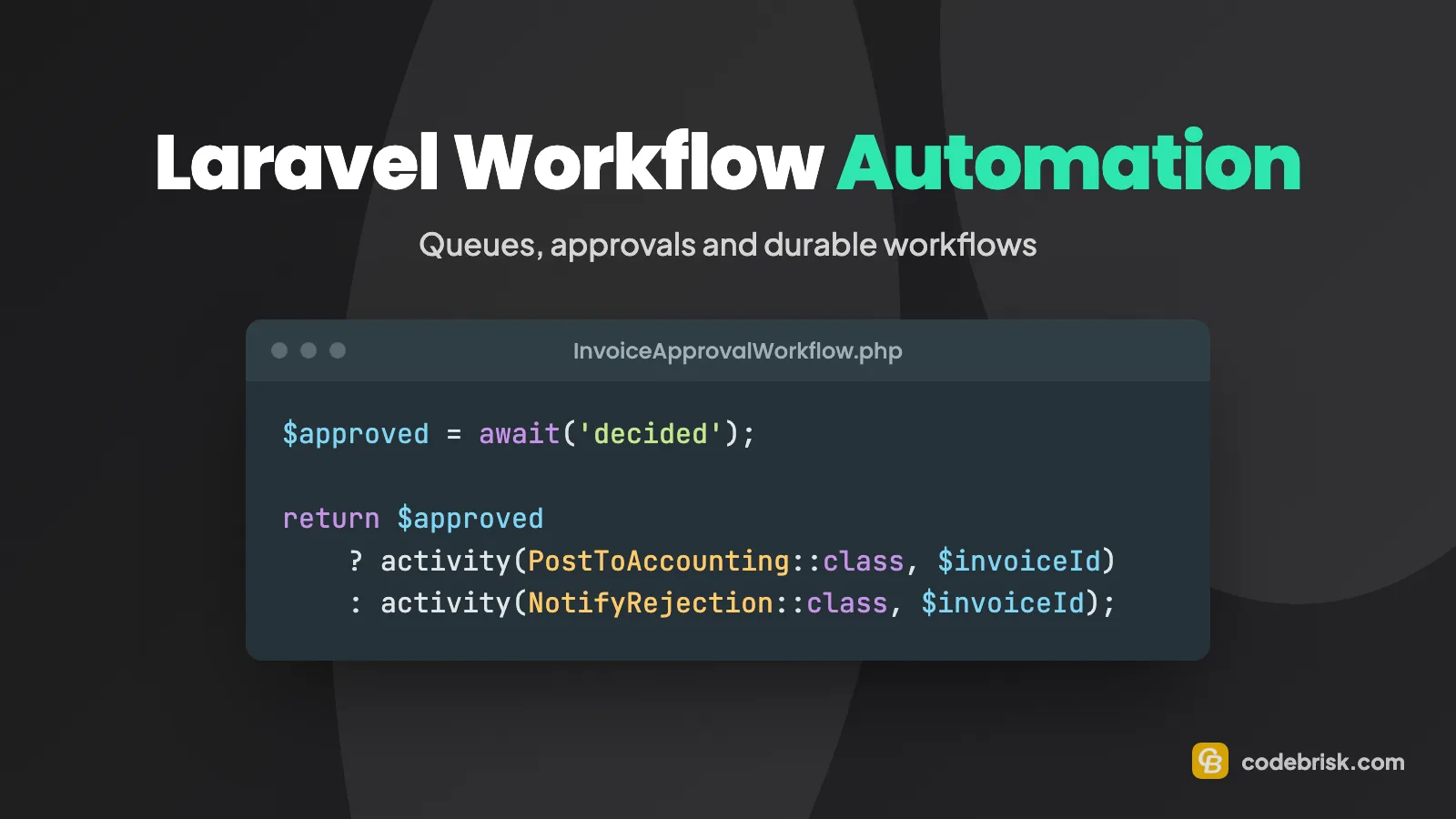
An invoice approval in the v2 API looks like this:
use Workflow\V2\Attributes\Signal;
use Workflow\V2\Workflow;
use function Workflow\V2\activity;
use function Workflow\V2\await;

#[Signal('decided')]
final class InvoiceApprovalWorkflow extends Workflow
{
    public function handle(int $invoiceId): string
    {
        activity(ExtractInvoiceData::class, $invoiceId);

        $approved = await('decided');

        return $approved
            ? activity(PostToAccounting::class, $invoiceId)
            : activity(NotifyRejection::class, $invoiceId);
    }
}
You start it with WorkflowStub::make(InvoiceApprovalWorkflow::class) and ->start($invoice->id), store the workflow ID on the invoice, and when the manager clicks "Approve" in your admin, load it with WorkflowStub::load($id) and call ->signal('decided', true). The workflow can sit waiting for days without holding a worker. Activities (the steps that do real work) are where retries live; they have $tries and backoff() like queued jobs.
For visibility, Waterline is the companion dashboard for monitoring workflows; we wrote about it when it launched in Waterline: an elegant UI for monitoring Laravel workflows. The package moves fast, so pin versions.
How should human approvals work?
Approvals are where automation projects most often fail, usually because the "human step" is an email nobody can act on. A solid approval step has:
- A clear inbox in your app: who needs to approve what, with the data they need on one screen.
- Permissions: only people with the right role and limit can approve (use Laravel policies), and never their own requests.
- Timeouts and escalation: a reminder after a set time, then escalation to a deputy, instead of cases stuck forever.
- A recorded decision: who approved, when, and why, stored with the record.
Whether the waiting is done by a durable workflow or by a status plus a scheduled reminder job, the user experience matters more than the engine.
How do you handle failures, idempotency and auditing?
Automated processes fail quietly unless you design for it:
- Make every step safe to repeat. Check whether the work is already done, use unique constraints, and pass idempotency keys to payment and accounting APIs.
- Decide what "failed" means. After the last retry, a job's
failed()method should flag the record and tell a person, not just write to a log. - Watch the queues. Laravel Horizon shows throughput, failed jobs and wait times for Redis queues; Waterline does the same for workflows.
- Keep an audit trail. Store each status change and decision with a timestamp and user. When a customer asks "why was my refund rejected?", the answer should be one click away.
Where do AI steps fit into a Laravel workflow?
AI is useful in the steps that used to need a person to read something: classifying incoming emails or tickets, extracting fields from invoices and receipts, summarising a long document before an approval, drafting a reply. In a Laravel workflow, an AI call is just another queued job or activity, with the same retries and timeouts.
Two rules keep it safe:
- Validate the output. Treat AI results as untrusted input: check the extracted totals add up, the supplier exists and the dates make sense.
- Keep a person in the loop for decisions. Let AI prepare and route; let people approve anything with money, contracts or customer impact, especially at first. Low-confidence results go to a review queue.
If you also want outside AI assistants to trigger or check these workflows, see How to Make Your Laravel App Ready for AI Agents.
Zapier, Make or n8n vs. automating inside Laravel: which is better?
External automation tools like Zapier, Make and n8n are a good choice when:
- the process connects SaaS tools you don't own (form → CRM → Slack),
- the logic is simple and changes often, and non-developers should edit it,
- volume is modest and a failed run is easy to redo by hand.
Automating inside your Laravel app is usually better when:
- the process works on your own data and business rules (pricing, permissions, statuses),
- it needs transactions, approvals inside your product, or an audit trail customers rely on,
- volume is high or each run must be reliable and traceable,
- you don't want sensitive data passing through another platform.
Many teams use both: Laravel owns the core process and exposes webhooks or an API, and an external tool handles the peripheral "also post this to Slack" steps.
How do we approach workflow automation?
We start by mapping one process end to end with the people who run it: every step, who decides, what can go wrong and what "done" looks like. Then we choose the simplest tool that handles it, from a queued job to a durable workflow, and add the approval screens, retries and audit trail around it.
You can see this kind of work in our AI-ready transportation management system, where a customer order becomes a load, a settlement and finally an invoice exported to QuickBooks, and in our fuel card platform, where queued jobs generate one weekly PDF statement and keep QuickBooks updated. CodeBrisk has built with Laravel since 2015, and we are a Top Rated agency on Upwork with 100% Job Success.
Ready to automate a process in your Laravel app?
If approvals, invoicing or document handling still depend on someone remembering to do them, our AI Integration & Automation service is built for exactly that. Tell us about the process on Launch your project, and we'll suggest where automation and AI would save your team the most time.

Rizwan Aslam
Founder and CEO of CodeBrisk, with years of experience building web applications with Laravel and leading a team of expert developers.
More about Rizwan